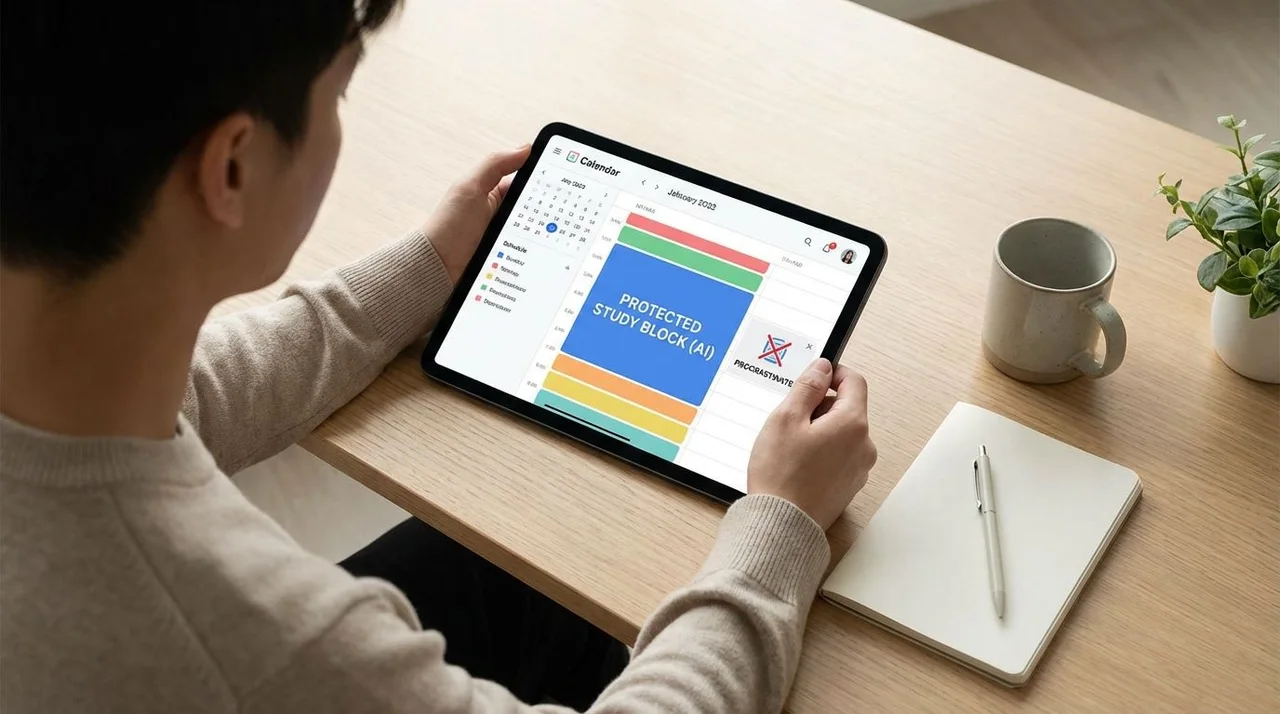
You outsmart procrastination by using AI to convert vague schoolwork into scheduled, protected work blocks that automatically adapt when your day changes. When your plan lives on a calendar (not just a to-do list), starting becomes a default action instead of a daily negotiation.
This guide shows how to use AI scheduling, time-blocking, focus protection, and distraction control to execute consistently during a busy semester. You’ll get student-tested workflows for starting fast, staying off your phone, rescheduling without spiraling, and using AI as a study operator rather than a last-minute crutch.
You’ll also see how to pick the right category of tool (task-to-calendar schedulers, focus defenders, habit schedulers, timers, classroom Q&A assistants), then assemble a simple system that stays reliable after the initial motivation fades.
What’s The Best AI Time-Management App For Students Who Procrastinate?
The best AI time-management app for a procrastinating student does one job better than everything else: it turns tasks into calendar time, with realistic durations, then adjusts automatically when plans change. A long to-do list feels productive and still leaves you stuck at 10 p.m. with no idea when anything will happen. A calendar-based plan forces the “when,” which removes the ambiguity that fuels avoidance.
Look for features that reduce start friction: task breakdown, duration estimates, calendar sync, and fast rescheduling. Tools that act as “task-to-calendar” bridges push you into time-blocking without requiring perfection. Trevor AI, for example, centers on scheduling tasks directly into Google Calendar, with estimated durations and easy drag-and-drop moves when the day shifts.
Also watch for “focus defense” behavior, where the tool actively protects work time. Reclaim’s Focus Time is built around defending deep work blocks around meetings and responsibilities, then reallocating time when conflicts appear. That matters on weeks when group meetings, office hours, labs, practice sessions, commuting, and family obligations destroy the original plan.
Selection rule that holds up in real student life: choose one primary scheduling engine (where your time gets blocked), then optionally add one distraction-control tool. If two planners compete for your calendar, the system becomes maintenance-heavy, and procrastination returns under the label of “organizing.”
How Can AI Help You Stop Procrastinating Today (In The Next 30 Minutes)?
Use AI to force a tiny start, then lock that start into a short calendar block or timer sprint. Your objective for the next 30 minutes is not “finish the assignment.” Your objective is to create momentum with a defined deliverable that fits inside a single focus block. When the deliverable is small and time-boxed, getting started becomes easier than avoiding it.
Start with a micro-output you can complete fast: open the rubric, extract grading criteria, build a bare outline, or collect the first three sources. Ask your AI assistant for three steps that take under 10 minutes each, pick step one, then immediately schedule a 20–30 minute block to execute. If you already use a calendar-based scheduler, convert the block into a protected focus event so it behaves like an appointment, not a wish.
Pair the block with a simple time-boxing method to stay moving. The Pomodoro-style pattern (short focused work periods with short breaks) remains popular because it creates repeated starts, which is the hardest part for procrastinators. Use it as an execution layer on top of your calendar plan, not as a replacement for scheduling.
Phone distraction usually breaks the “today” plan. Students often succeed when they treat a focus app as a hard barrier rather than a motivational badge. If your phone is the primary leak, implement a friction tool that prevents scrolling during the sprint, then return to the calendar block with less willpower required.
Does Time-Blocking Actually Work For Procrastination, Or Is It Just Another Productivity Trend?
Time-blocking works for procrastination because it converts distant, abstract tasks into near-term commitments with defined start times. Procrastination thrives when “sometime later” stays available as an option. Time-blocking removes that option by assigning a place on the calendar, which reduces ambiguity about when you will start and how long you will work.
The practical advantage is execution clarity. When a block starts, you do not decide what to do, you follow the block. That matters on stressful weeks because decision fatigue becomes the hidden driver of avoidance. The moment you open your laptop and still have to decide what matters, you drift to low-friction activities and call it “preparation.”
AI makes time-blocking easier by handling maintenance, the part procrastinators avoid. If a meeting, lab, or commute conflicts with a planned block, many students simply abandon the plan instead of rebuilding it. Reclaim’s Focus Time is designed to defend deep work by creating focus blocks based on a weekly goal and reallocating time when conflicts occur. That “auto-repair” behavior keeps you from losing the week after one bad day.
To keep time-blocking from becoming unrealistic, treat the calendar as a capacity tool. You cannot schedule eight hours of deep work on top of classes, meals, commuting, and group obligations and expect compliance. AI schedulers help here by making overcommitment visible early, before it turns into late-night panic.
What’s The Safest Way To Use ChatGPT/AI For School Without Getting Flagged For Cheating?
Use AI to improve your process: planning, outlining, studying, practice questions, rubric checks, and clarifying concepts. Keep your final submission anchored in your own work product, notes, and drafts. The safest operational pattern is to treat AI like a planning assistant and tutor, then produce the actual deliverable through your own writing, calculations, problem-solving steps, and citations.
Operationally, build a “paper trail” that matches real student workflow. Save your outline versions, keep source notes, retain intermediate drafts, and document the edits you make. This keeps your work coherent and consistent, and it protects you if questions come up about how you arrived at the final result. A clean process also improves quality because you will notice gaps earlier instead of discovering them at submission time.
Use AI scheduling to remove procrastination pressure without outsourcing the assignment. Ask for a realistic timeline based on the deadline, your class blocks, and your work shifts. Then schedule the blocks into your calendar using one tool, and execute them with a timer. Reclaim’s features around Focus Time and Habits support the “schedule first, execute second” discipline, which lowers the chance of a last-minute scramble.
If your need is real-time learning support rather than content generation, classroom Q&A assistants are a separate category worth knowing about. Systems like AskNow are designed to help students ask questions and resolve confusion during lectures with context-aware responses grounded in the ongoing class session, reducing time-to-clarity during learning. That is a different use case than producing a final submission, and it pairs well with a study schedule.
How Do You Stop Phone Distractions While Studying (Especially Social Media)?
Stop phone distractions by adding friction, then scheduling your focus blocks when you are most likely to comply. Motivation fades fast, friction holds. If the phone stays within reach and unlocked, the odds of “just checking” climb sharply the moment a task gets boring or confusing. Your job is to make the distracting action harder than continuing the work.
Implement a two-layer system: a focus timer that creates a defined sprint, plus a phone barrier that removes the escape hatch. Many students report better results when they use a dedicated focus app as a commitment tool, and some run a mobile focus app alongside a browser extension to prevent device-hopping loopholes. The goal is not perfect discipline, it is consistent protection during your scheduled work windows.
Then align the blocks with your daily energy pattern. If you keep losing evenings to scrolling, schedule one protected block right after class, and another earlier in the evening before fatigue peaks. AI calendar tools help here by placing focus time around existing obligations and by rescheduling when conflicts hit, so you do not have to manually rebuild the day after one interruption.
Also reduce context switching on your computer. Close extra tabs, disable non-essential notifications, and keep a single “work surface” open: assignment doc, rubric, and one research tab. Your phone is not the only distraction source, yet it is usually the easiest one to eliminate quickly with a barrier tool and a short sprint schedule.
What If You Have ADHD Or You’re Neurodivergent, Are AI Planners Actually Better?
AI planners can be better when they reduce decision load, provide stronger cues, and simplify the next action. The advantage is not novelty, it is external structure. When a tool converts “should do” into “scheduled now,” you spend less energy deciding and more energy executing. That shift matters when attention control is inconsistent across the day.
Look for planners that support visual planning, persistent reminders, and routines that reschedule instead of failing. Habit scheduling is useful here because it turns supportive routines into calendar events. Reclaim Habits schedule routines like recurring events, use preferences and priorities to place them, and automatically reschedule when overbooked. That prevents a missed routine from collapsing the rest of the week.
Also prioritize tools that protect focus with minimal setup. Reclaim’s Focus Time lets you set a weekly goal and then defend blocks around meetings and responsibilities. Pair that with short work sprints and a clear definition of “done” for each block, and you reduce the mental overhead that often triggers avoidance.
If you need additional accessibility cues, consider planners that emphasize structure and reminders across the day. Tiimo has been positioned as a planner for neurodivergent users and has received mainstream attention, including coverage tied to Apple’s iPhone App of the Year recognition in 2025. The practical decision rule remains the same: pick one system you will actually maintain, then keep the workflow minimal.
Why Do You Quit After A Week, And How Do You Build An AI System You’ll Stick To?
You quit after a week when the system requires more effort than the work. Early motivation covers setup, then real life returns and maintenance becomes a new form of procrastination. If your planner requires constant manual reshuffling, you will stop opening it, then the guilt cycle starts, then you abandon the tool. Sustainability comes from automation and low daily friction.
Build a system with three non-negotiables: default focus blocks, automatic rescheduling, and a minimum viable day. Default focus blocks remove daily negotiation and protect capacity before it gets consumed by other demands. Automatic rescheduling prevents one missed block from turning into a lost week. A minimum viable day keeps momentum alive when the schedule is chaotic, usually two short sprints that still move assignments forward.
Use locking strategically so the tool helps instead of surprising you. If you want a block to stay put, use calendar locks so focus time does not drift into the night. Reclaim supports locking events to prevent automatic rescheduling, and it can auto-lock certain items at the beginning of the day. This supports a stable daily rhythm without constant manual policing.
Add buffers if back-to-back commitments keep breaking your plan. When you stack classes, meetings, commuting, and study blocks with no transition time, the schedule looks good and fails in practice. Smart buffer time creates breathing room so you can reset and still start the next block on time, which protects consistency across the week.
How To Set Up Your AI-Powered Student Time Management System In 30 Minutes
Set up your system by deciding where time gets scheduled, then adding one execution layer and one distraction-control layer. Your scheduling layer is your calendar and an AI planner that converts tasks into time blocks. Your execution layer is a short-sprint method you can repeat without thinking. Your distraction-control layer blocks the main leak, usually the phone.
Start by connecting your planner to the calendar you actually use. If you live in Google Calendar, pick a tool that schedules tasks directly into it with durations and quick moves, so your plan stays visible. Trevor AI’s Google Calendar integration is a clean example of this “tasks become blocks” model, letting you drag tasks into your timeline and adjust when the day shifts.
Then create a weekly structure that respects capacity. Block fixed commitments first: classes, labs, work shifts, commuting, meals, sleep. Set a weekly focus goal, then let a focus defender allocate blocks around those commitments. Reclaim’s Focus Time workflow supports setting a weekly goal, choosing a mode, then letting the system protect the hours you need to get work done, with conflict resolution if meetings collide.
Close with an execution checklist you can run every time a block starts. Open the assignment, identify the micro-deliverable, start a timer sprint, and keep the phone blocked until the sprint ends. That routine sounds simple, yet it wins because it reduces the number of decisions you make when your motivation is low.
Best AI Time-Management Method For Procrastinating Students
- Schedule tasks into your calendar
- Protect focus blocks with auto-rescheduling
- Execute in 20–30 minute sprints
- Block phone distractions during sprints
Build A Week That Runs Without Willpower
Procrastination loses its leverage when your work becomes scheduled, protected, and easy to restart after interruptions. Use one calendar-based AI planner to convert assignments into time blocks, then add focus defense so conflicts do not destroy the plan. Execute with short, repeatable sprints, and block the phone during those sprints so you do not rely on motivation. Keep routines on the calendar with habit scheduling, and add buffers so transitions stop breaking your day. Implement the minimum viable day so momentum survives heavy weeks, then scale up when capacity opens.
References
- Trevor AI: Google Calendar Integration
- Trevor AI: Task Planning for Students
- Reclaim.ai Help Center: Focus Time Setup
- Reclaim.ai Help Center: Locks
- Reclaim.ai Help Center: Habits Overview
- Reclaim.ai Help Center: Buffers
- PubMed: The Nature of Procrastination (Meta-Analytic Review)
- Verywell Mind: Pomodoro Technique Overview
- arXiv: AskNow (LLM-Powered Classroom Q&A)
- Business Insider: Tiimo Coverage
- Reddit: Forest App Discussion (Advice Time)
- Reddit: Forest App + Extension Discussion
- Reddit: Forest App Mention (UPSC Thread).
Programme status and requirements are maintained separately from general educational articles. Check the publication date and linked sources when using an article.
Return to the journal →